
Start your 7-day free trial →
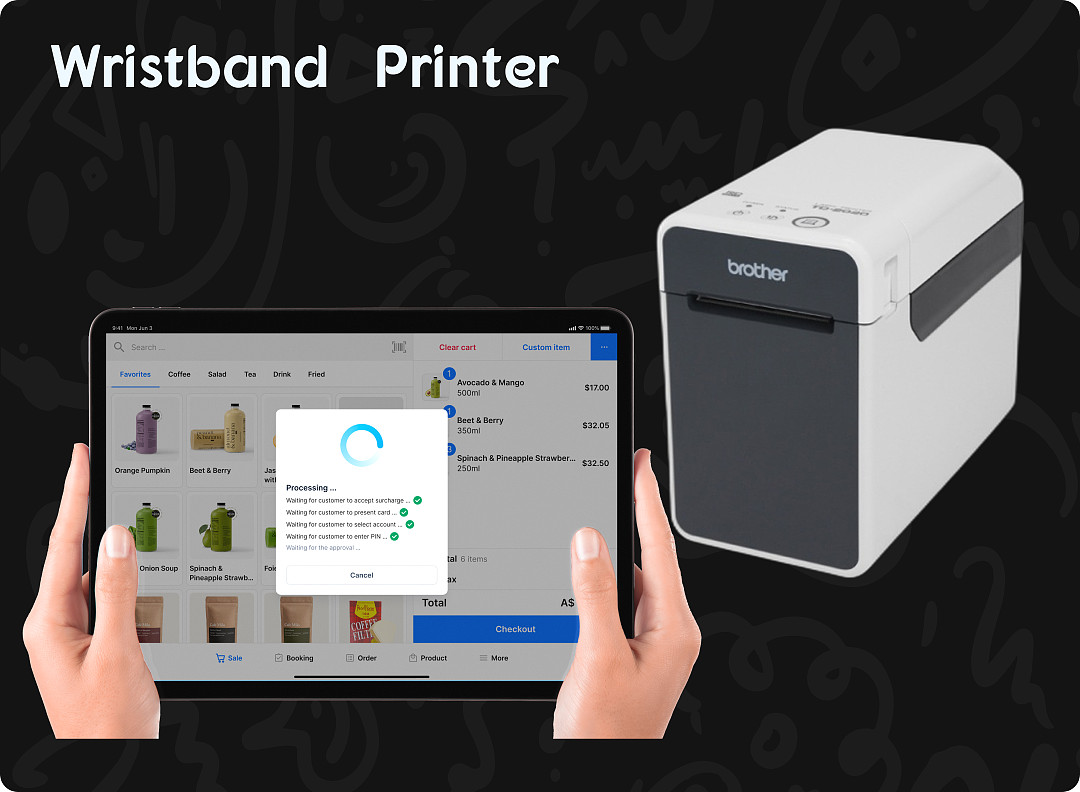
Pisell Terminall 连接手环/标签打印机
出自 Pisell2024年7月15日
硬件设备介绍
提升您的店铺运营效率,手环打印机是您的得力助手。它以出色的打印效率、稳定的运行表现和多样的连接选择,极大地提高了日常工作效率,满足了您的各种打印需求。此外,通过与Terminal的紧密配合,您可以更加轻松地掌控打印情况,确保整个业务流程的流畅性。
想了解如何将手环打印机与Terminal巧妙连接,以便更加高效地使用吗?请观看下方的视频教程,我们将细致地指导您完成连接步骤。通过视频学习,您将快速掌握手环打印机与Terminal的完美对接技巧,使打印工作变得更加便捷和高效。立即点击观看,启动您的智能打印管理之旅!
其他文章: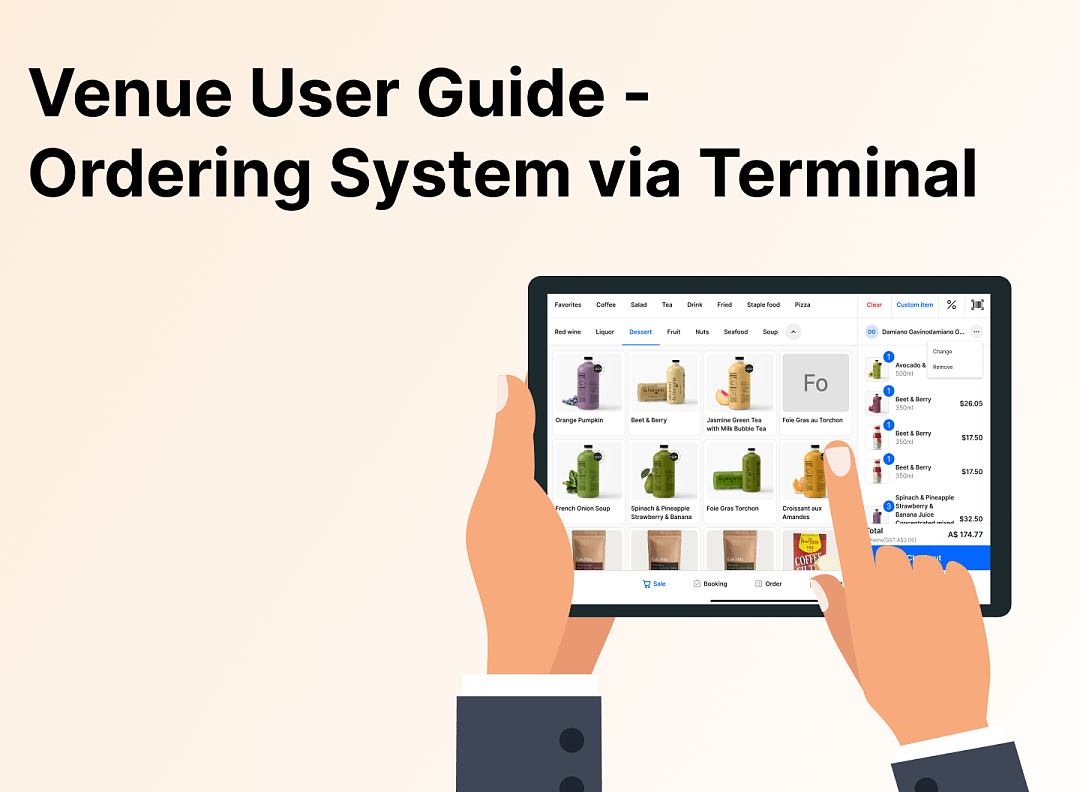 2671
2671 2504
2504 2657
2657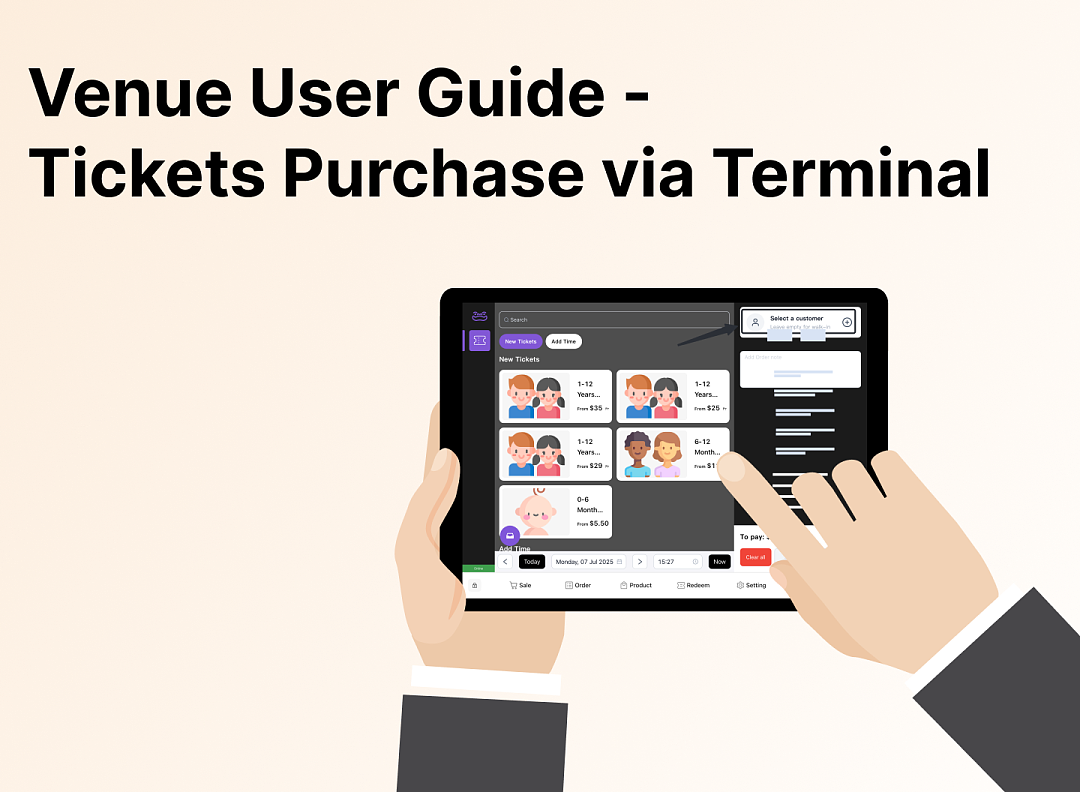 2219
2219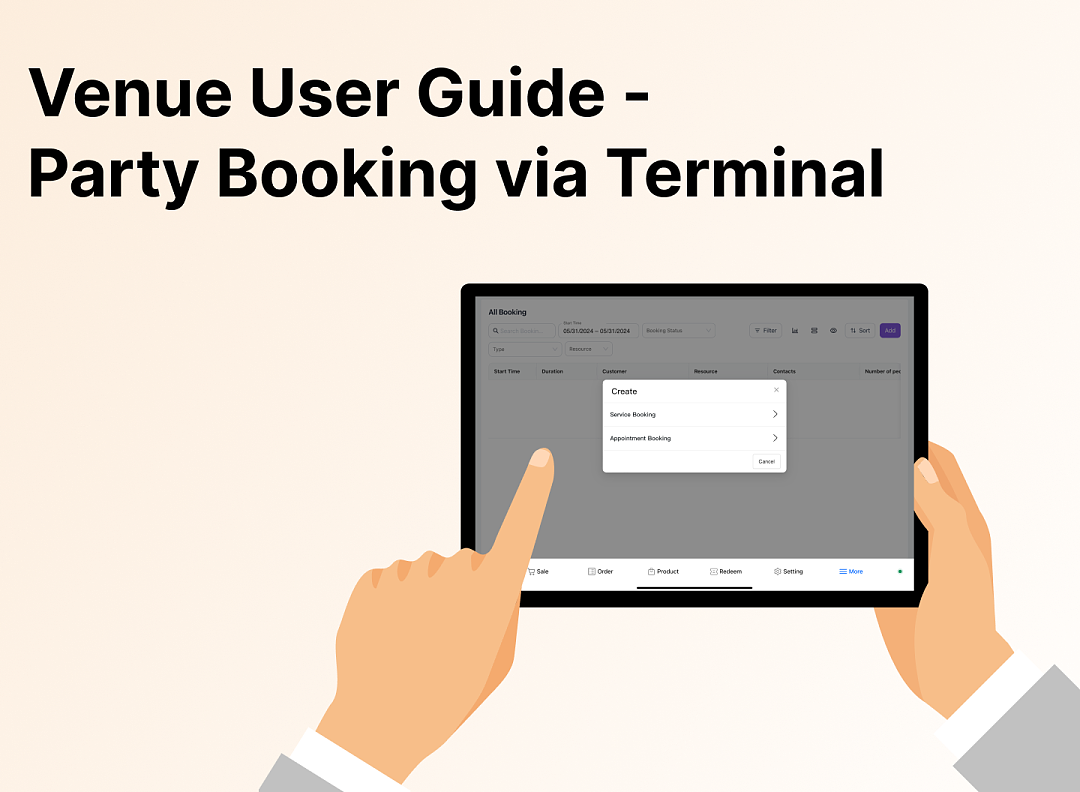 2251
2251 3111
3111 3924
3924 3822
3822 3432
3432 3886
3886 3439
3439 5780
5780 5547
5547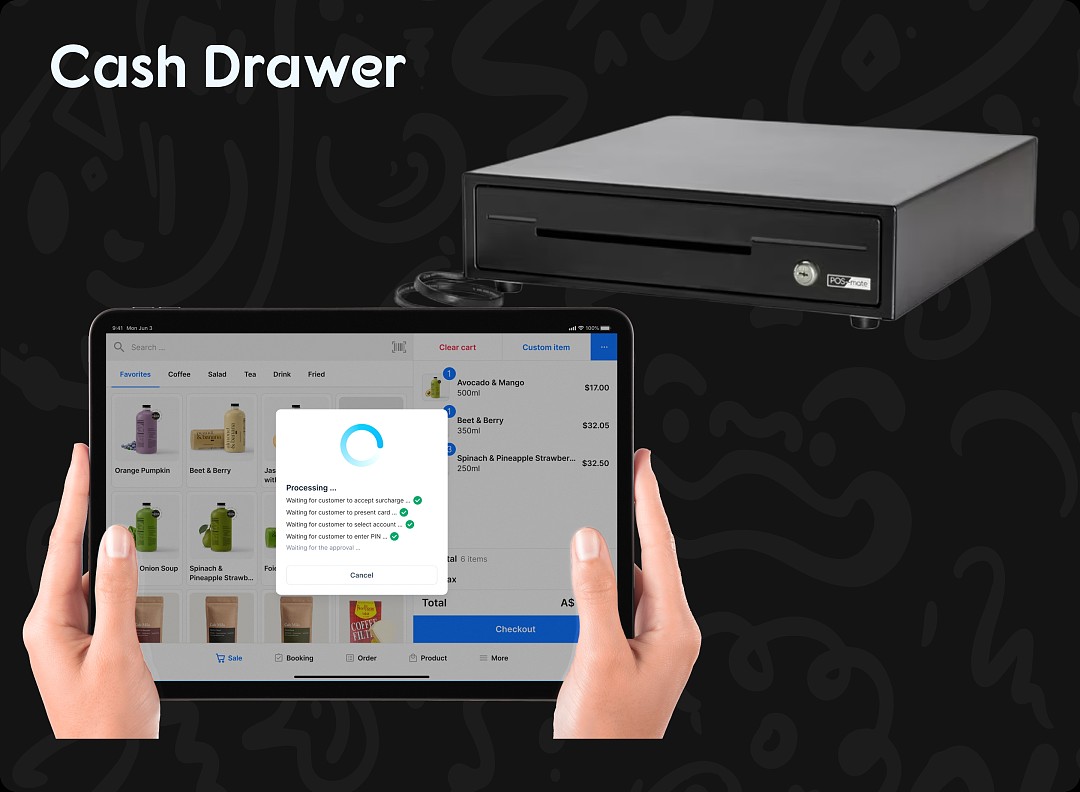 5850
5850 5717
5717
2671亲子餐厅运营操作指南 - Terminal餐饮系统
2504Apple Pay Platform Web Merchant Terms and Conditions
2657亲子餐厅使用指南(运营操作项)- 客户端预定Party和门票
2219亲子餐厅使用指南(运营操作项)- Terminal售卖Tickets
2251亲子餐厅使用指南--Terminal预定Party
3111【重要通知】Pisell 客户运营团队在线服务时间调整(长期固定)
3924风险保证金预估指南(商家自我评估版)
3822风险保证金与提现保留金说明
3432提现保留金
3886线上支付安全优化:强制启用 3DS 验证
3439刷卡手续费陷阱:你以为是0.9%,其实一年损失10万!揭露游乐场行业系统的隐藏收费
5780管理您的Pisell订阅
5547Pisell Payment Chargeback FAQ
5850Pisell Terminal连接钱箱及使用介绍
5717